
The new version of 3D SymbolDesigner introduces AI mode. Engineers describe the symbol they need in the Symbol assistant and attach what they have – a datasheet, a drawing or simply an image, for example a photo with reference measurements. The assistant turns it into a parametric draft, which 3D SymbolDesigner validates before it is opened in the editor.
From reference material to an editable symbol
A request names the main dimensions and units, the orientation and the values that should remain editable parameters. If information is missing, the assistant asks follow-up questions in the same conversation. Each validated draft opens as a new project with its geometry, parameters and variants. It can be refined in the editor or in the chat and exported as usual – as a C# or VB.NET symbol project with Excel bulkload templates and a datasheet. The symbols can be used in Forte 3D (formerly Smart 3D) and in UDiTH Sketching.
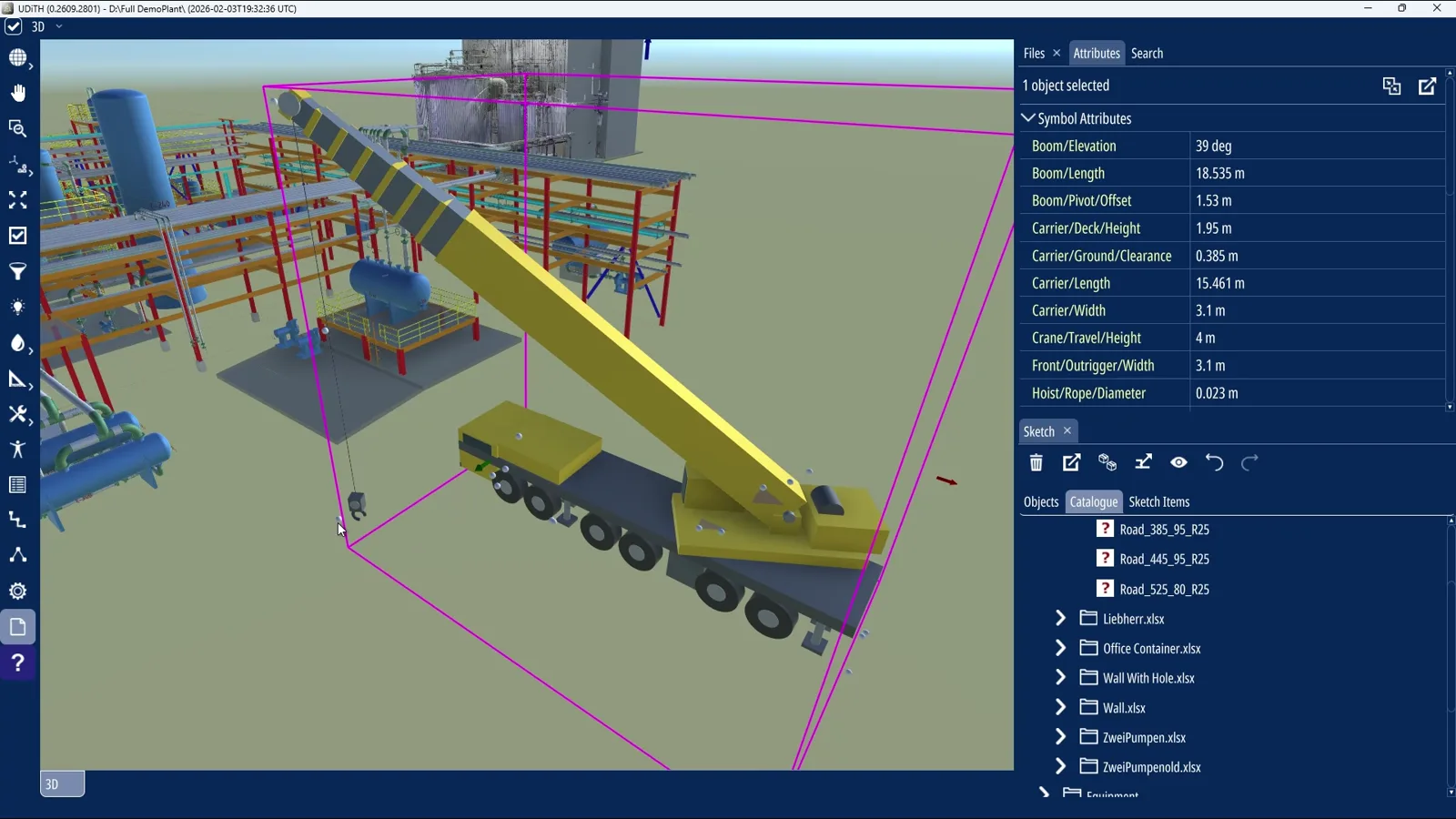
Scans as a reference, too
A zipped OBJ reference, for example from a scan, is imported locally. The assistant can request rendered views and measurements, fit primitive surfaces and compare the proposed geometry with the reference – starting with one component and working outwards.
Your AI, your data
AI mode works with the AI service of your choice. A Direct API connection supports Ollama, OpenAI-compatible and OpenAI Responses endpoints, including models running on your own computer. Alternatively, a local AI client that supports the Model Context Protocol (MCP) retrieves a task prepared in 3D SymbolDesigner and returns the draft. Prompts and references go only to the service you configure.
Engineering review stays in your hands
Validation means that a draft is structurally sound for 3D SymbolDesigner – not that every dimension is right for its intended use. Engineers check each symbol against their reference material before they use or export it.
Included at no extra cost
AI mode is included at no extra cost with a subscription or a 3-year maintenance commitment. It requires an AI-enabled licence: FullAi covers all AI construction features, including specialised ports, connectors and valve operators; LiteAi covers general geometry and parametric construction.
See AI mode in action on the 3D SymbolDesigner page or read the AI mode guide.