Functions
All digital twin functions in one central platform
Connect 3D models, documents, and systems in a unified environment—for better decisions, greater efficiency, and maximum transparency.

A powerful digital twin thrives on its functionality: UDiTH links visual data, technical documents, and live data in a holistic system—intuitive to use, available on the go, and securely networked.
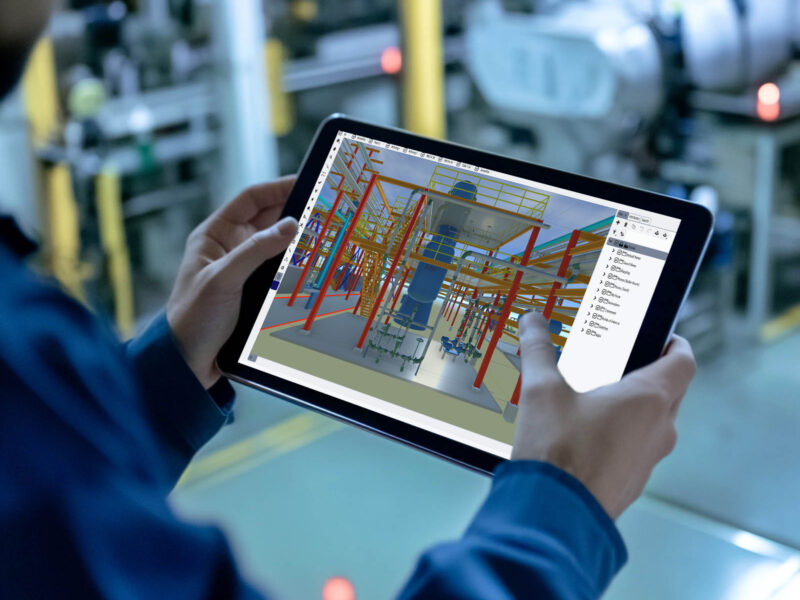
3D models, P&IDs, laser scans, drawings, and documents are available in your browser without installation.
Photos and laser scans can be superimposed directly onto the 3D model. Deviations, modifications, or the actual condition become immediately visible.
P&IDs are linked to the 3D model. Changes can be marked, documented, and tracked directly. This simplifies maintenance, risk analysis, and compliance processes.
Components, lines, and attributes can be edited or annotated directly in the model. This ensures that the digital twin is always up to date—even during ongoing operations.
Designed for complex infrastructures
All the features you need for a comprehensive digital twin—in one platform.
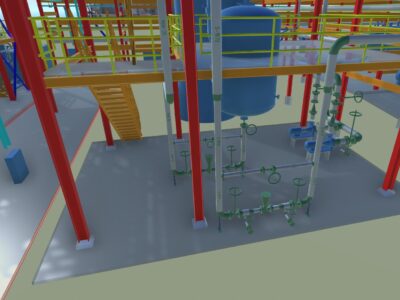
Make the digital twin of your plant – 3D model, laser scans, P&IDs, documents and all attributes – available in the browser to approved users, anywhere and on any device.
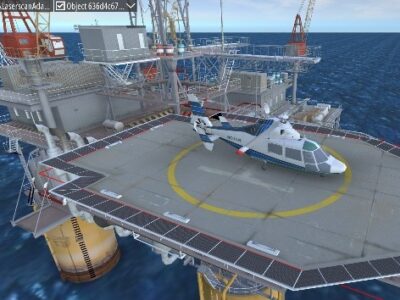
Import textured meshes (drone scans …) and use textures for signs, graphic fill-level displays and more.
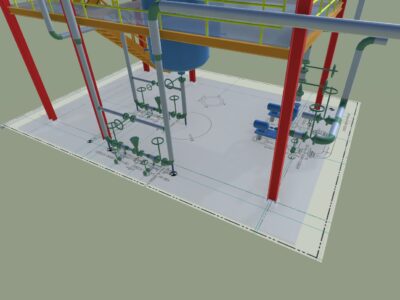
Graphically deposit drawings as an additional layer. Layout plan brings the model into a reference to the entire plant or simplest check of model against plan.
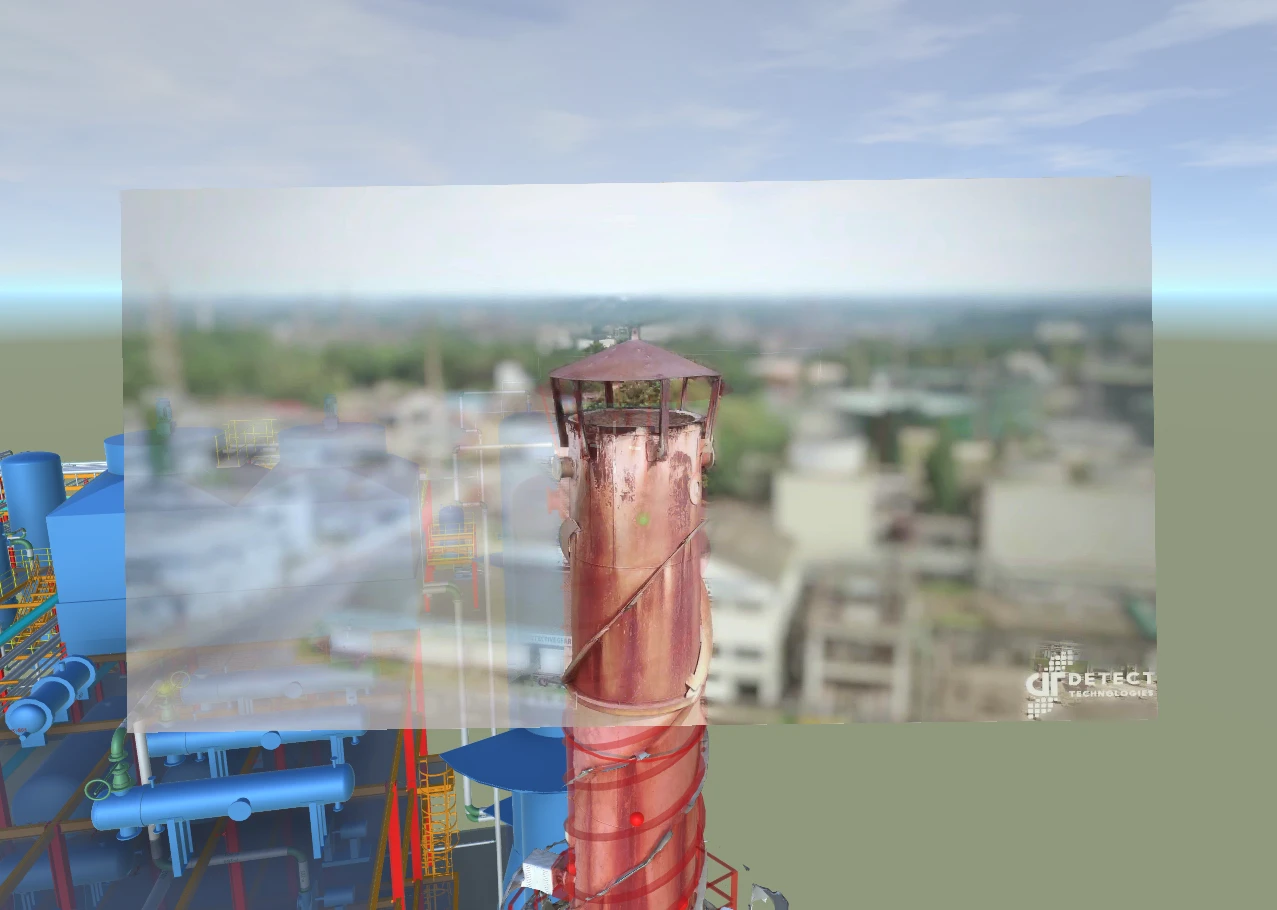
Check model against reality in the simplest way. Place a (smartphone) photo behind the 3D model and compare both with a slider. This highly innovative technology quickly documents the difference between model and as-built.
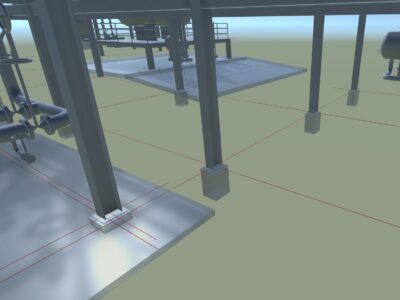
Gridlines can be taken over from the source system and/or entered from outside.
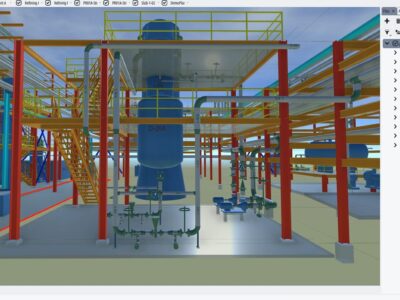
The optimised UI makes it simplest to structure all actions in the project. This makes it easy to maintain an overview even in a complex project and to collaborate effectively with partners.
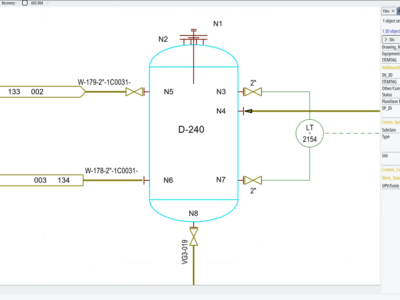
Supports search, reporting and mark-up, off-page connectors, display styles etc. Imports P&IDs from third-party systems (PDF, COMOS®, AutoCAD® …) and makes editing and redlining easier.
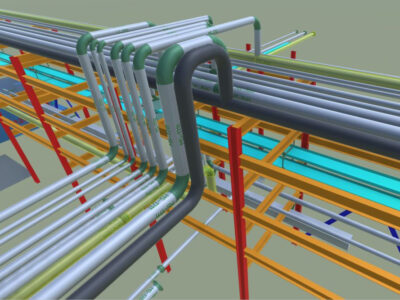
Modify your model and P&IDs, document changes or carry out initial preliminary planning.
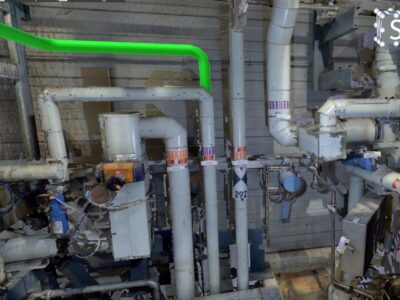
Due to our unique fully automated mesh creation algorithm the largest laser scan projects in our industry can be fully integrated with a 3D model, tagged and enriched with additional information even on a smartphone – without time-consuming remodelling.
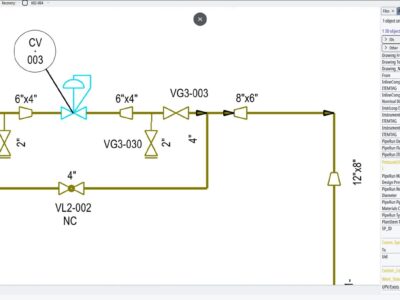
3D model, P&IDs, isometrics and documents are automatically linked, and so are other systems such as SAP. Select a component and it is shown in all of them – jump from 3D to 2D to documents with a single click, on any device.
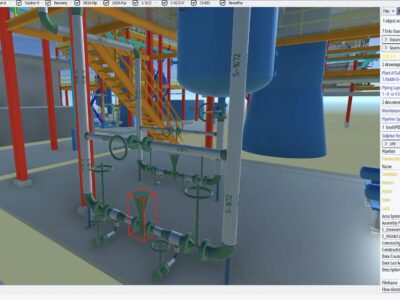
UDiTH is fully configurable. Attributes can be filled and changed in the field. This makes it easy to keep the Digital Twin up-to-date.
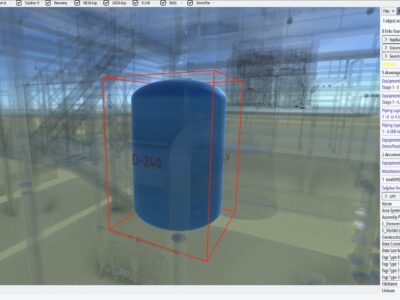
Find assets, tags etc. even if your search string doesn’t exactly match the result.
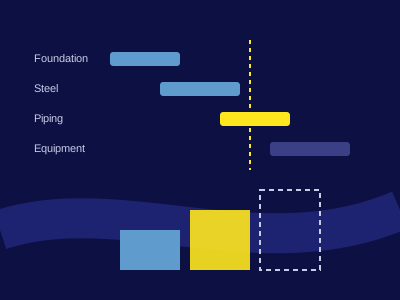
Animate the model along your schedule – from any planning tool that exports to Excel, such as Primavera P6, SYNCHRO or MS Project. Not-yet-built, in-progress and completed objects are shown in distinct colours.
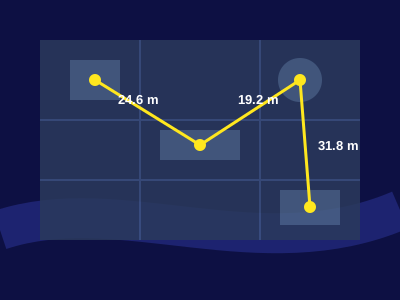
Project orthophotos onto the 3D model and measure distances, angles and measurement chains directly on site imagery.
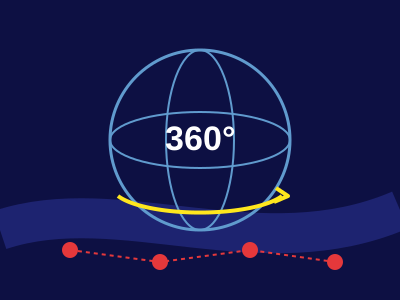
Move freely between panorama capture points; their positions are marked directly in the model.
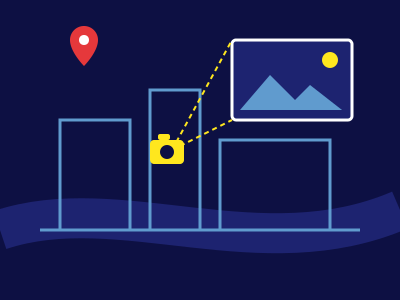
Geotagged photos and TrueView images are placed automatically at their position and viewing direction in the model.
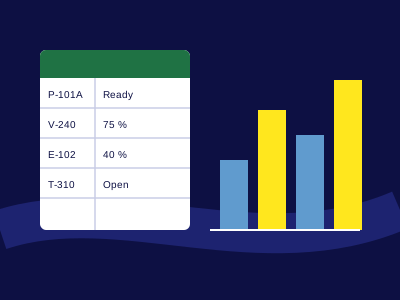
Export any selection to Excel reports and connect UDiTH to Power BI to show and colour progress or KPIs on the model.
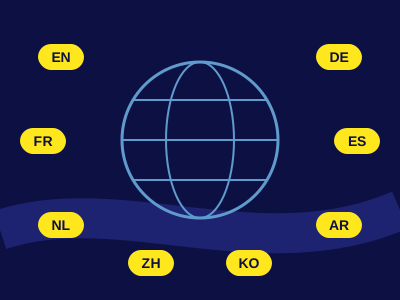
English, German, French, Spanish, Dutch, Arabic, Chinese and Korean – easily extendable.
Plug in. Power up. Go further.
UDiTH is more than a digital twin – it connects what matters. It’s a flexible open platform to grow with your needs. With standardized interfaces, you can seamlessly integrate third-party apps and tools tailored to your industry or easily design and develop your own.
From inspections to AI analytics, energy tracking to audit systems — UDiTH becomes your digital backbone, combining expert solutions and plant data in one powerful hub.
Use cases for digital twin software